IP Address OSINT: How to Analyze an IP Address
Learn IP OSINT techniques and discover location, ISP, ASN, hosting provider, and network information.
Every connection on the internet comes from an IP address, which makes IP data a staple of security work: tracing phishing infrastructure, reviewing suspicious logins, and spotting automated traffic. It is also widely misunderstood. An IP address identifies a network endpoint, not a person.
What Is IP OSINT?
IP intelligence analyzes publicly available network information about an address. The main sources are:
- Regional Internet Registries (RIRs): ARIN, RIPE NCC, APNIC, LACNIC, and AFRINIC record which organization holds each address block. You query them through WHOIS or its structured successor, RDAP.
- Routing data: BGP announcements show which autonomous system (identified by an ASN) currently routes the address.
- Reverse DNS: the PTR record often names the provider or server role, for example a hostname containing “static”, “dsl”, or a cloud region.
- Geolocation and reputation databases: commercial and community datasets estimate location and flag known VPN, proxy, Tor, or abuse sources.
IP Lookup Data
A typical IP lookup provides:
| Field | Where it comes from | How reliable |
|---|---|---|
| IP Address | Your input, validated as IPv4 or IPv6 | Exact |
| Country | Geolocation database | Usually reliable for fixed broadband |
| City | Geolocation database | Approximate; can be off by a long distance, especially for mobile networks |
| ISP | Registry and routing data | Reliable for the network operator |
| ASN | BGP routing data | Reliable at the time of lookup |
| Organization | Registry records (WHOIS/RDAP) | Reliable, but may name an upstream provider rather than the end customer |
| Proxy Detection | Reputation databases | Indicative; lists lag behind new VPN and proxy ranges |
Example: 8.8.8.8 belongs to Google Public DNS and is announced by AS15169 (Google LLC). Because the service is anycast, the same address is answered from many locations worldwide. A city-level “location” for it says little about where the responding server actually is.
IP OSINT is widely used for threat intelligence, fraud prevention, network forensics, and understanding the infrastructure behind online activity.
IPv4 vs IPv6 in OSINT Investigations
Both IPv4 and IPv6 addresses can be analyzed the same way, but they behave differently:
- IPv4 addresses are scarce, so they are often shared. Carrier-grade NAT (the
100.64.0.0/10range is reserved for it) puts many mobile or home customers behind one public address. - IPv6 addresses are plentiful. A household or device often gets its own prefix, and devices may rotate privacy addresses within it. Analysis is usually more useful at the prefix level (for example a /64) than for a single address.
Many services are dual-stack, so the same user or server may appear under both an IPv4 and an IPv6 address. Check both to avoid missing infrastructure.
Detecting Proxies, VPNs, and Hosting Providers
A key question in fraud and abuse work is whether traffic comes from a residential ISP, a mobile network, or a data center:
- Hosting or cloud ASNs (large cloud providers and VPS hosts) suggest a server, script, VPN exit, or proxy rather than a person at home.
- Known VPN and Tor exits appear in published lists; Tor publishes its exit node list openly.
- Residential proxies are harder: they route traffic through real home connections and may look completely ordinary.
Treat these signals as risk indicators. Plenty of legitimate users browse through VPNs and corporate proxies.
Combining IP OSINT With Other Identifiers
IP intelligence is most useful when combined with email, username, or phone OSINT. For example, if a login comes from a hosting network in a country where the account holder has never been, while the account’s phone number and history point elsewhere, that mismatch is worth reviewing.
A few cautions keep conclusions sound:
- Do not equate an IP address with a person; shared networks, VPNs, and NAT make that unreliable.
- Record the lookup date. Address assignments and routing change, so yesterday’s result may not hold today.
- Use reserved documentation ranges (
192.0.2.0/24,198.51.100.0/24,203.0.113.0/24) in reports and training material instead of real addresses.
Related Articles

Brand Protection
How to Spot Brand Impersonation Online: An OSINT Checklist Backed by FTC and APWG Data
OSINT Guide
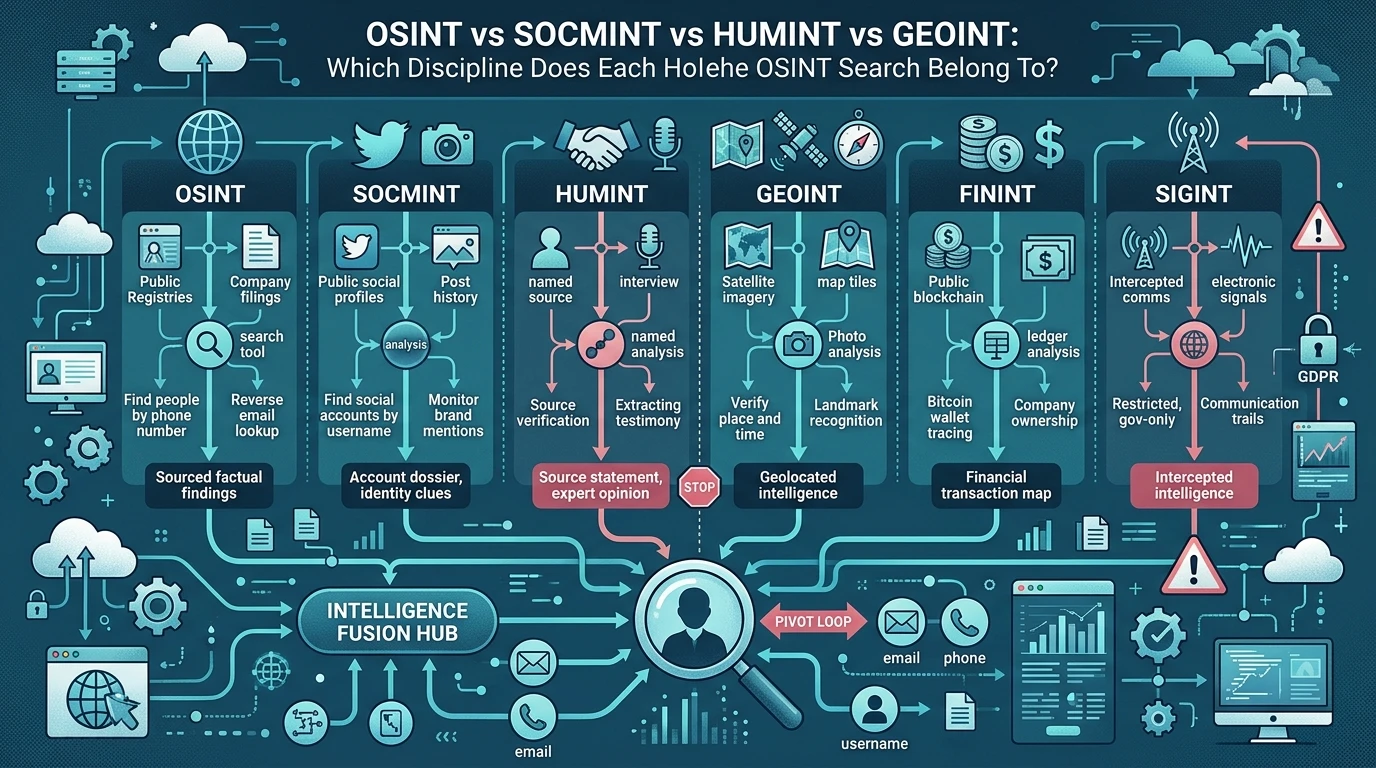
OSINT vs SOCMINT vs HUMINT vs GEOINT: Which Discipline Does Each Holehe OSINT Search Belong To?

Username OSINT
Mapping a Username Footprint Across Thousands of Sites: A Practical OSINT Workflow